In today’s digital world, computer knowledge has become an essential skill for students, job seekers, small business owners, and working professionals. However, people living in rural and semi-urban areas may not always have easy access to quality computer education. A well-designed computer course for beginners in rural areas can help bridge this digital gap and provide learners with practical skills for education, employment, business, and everyday digital activities.
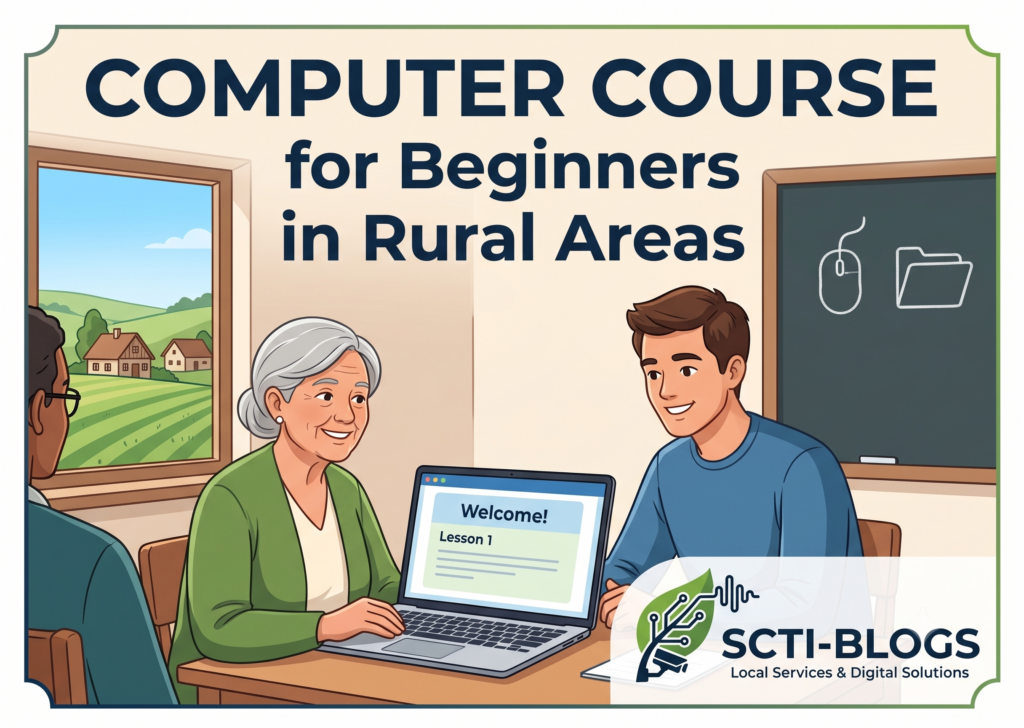
SCTI-BLOGS aims to connect local students and learners with useful information about computer training and local digital services. Through accessible computer education, beginners can gradually develop confidence in using computers and modern digital tools.
Why Computer Education Is Important in Rural Areas
Computer literacy can create new opportunities for people living in villages and rural communities. Basic computer skills can help students prepare assignments, search for educational resources, create documents, communicate online, and learn new skills.
For job seekers, computer knowledge can be useful for office work, online applications, data entry, documentation, and other digital tasks. Small business owners can also use computers for billing, accounting, inventory management, online promotion, and customer communication.
Therefore, a basic computer course for rural students should focus on practical knowledge rather than complicated theory.
What Beginners Should Learn in a Computer Course
A good beginner-friendly computer course can cover several important areas.
1. Basic Computer Fundamentals
Students should first understand the basic components of a computer, including:
- Computer and laptop basics
- Keyboard and mouse operation
- Monitor and CPU functions
- File and folder management
- Basic Windows operations
- Connecting and using common devices
- Basic computer safety
These lessons provide a strong foundation for further computer education.
2. MS Word and Document Preparation
MS Word is widely used for creating professional and educational documents. Beginners can learn how to:
- Type and format documents
- Create letters and applications
- Prepare resumes
- Use tables
- Add images
- Print documents
- Save and organize files
These skills can be particularly useful for students and job seekers.
3. MS Excel Basics
Excel is an important tool for office and business activities. A beginner course can introduce learners to:
- Rows and columns
- Data entry
- Basic formulas
- Simple calculations
- Tables
- Sorting and filtering
- Basic charts
- Maintaining simple records
Learning Excel can help learners prepare for various entry-level office tasks.
4. Internet and Email Skills
Internet literacy is especially important for rural learners. Students can learn how to:
- Browse the internet safely
- Search for information
- Create and use an email account
- Send and receive emails
- Download and upload files
- Use online forms
- Access educational resources
Learners should also understand basic online safety and avoid sharing passwords or sensitive information with unknown people.
5. Digital Payment and Online Services
Digital services are becoming increasingly important in everyday life. Beginners can learn the basics of using digital platforms responsibly, including online applications, digital communication, and other commonly used internet services.
Training should emphasize safe practices, such as using strong passwords, verifying websites, and avoiding suspicious links or messages.
Computer Course for Rural Students and Job Seekers
A computer course can be particularly beneficial for students who want to improve their employability. Many entry-level positions require basic computer knowledge.
Students can develop skills in:
- Computer operation
- MS Office
- Internet usage
- Email communication
- Data management
- Typing
- Basic office documentation
After developing these fundamental skills, learners can choose advanced courses according to their career goals, such as accounting, graphic design, web development, digital marketing, or programming.
Benefits of Learning Computers in Rural Areas
Computer education can provide several practical benefits:
Better Educational Opportunities
Students can access online learning materials, educational videos, digital libraries, and other resources.
Improved Employment Skills
Basic computer knowledge can make students more prepared for office and administrative roles.
Support for Local Businesses
Small businesses can use computers for billing, record keeping, marketing, accounting, and customer management.
Increased Digital Awareness
Learners become more comfortable using online services and digital communication tools.
Foundation for Advanced IT Courses
Basic computer education provides the foundation required for learning more advanced technologies.
How to Choose a Computer Training Institute in a Rural Area
Before joining a computer course, learners should consider several factors:
- Beginner-friendly curriculum: The course should start from basic computer concepts.
- Practical training: Students should get sufficient hands-on computer practice.
- Experienced trainers: Teachers should be able to explain concepts in simple language.
- Course flexibility: Flexible batches can help students and working learners.
- Local accessibility: A nearby institute can make regular attendance easier.
- Career-oriented training: Courses should focus on practical skills that learners can use in real-life situations.
- Proper learning environment: Students should have access to computers and a comfortable training environment.
Computer Training Services in Chanchal, Malda
SCTI-BLOGS provides information and support related to computer education and local digital services. Learners looking for computer training services in Chanchal, Malda can explore suitable training opportunities according to their learning requirements.
Our goal is to help local students and learners connect with quality computer education and useful technology-related information.
Address: Kanua Bazar, Ishadpur, Harischandra Pur, Malda, West Bengal, India
Contact: 9775817766 / 8293974774